
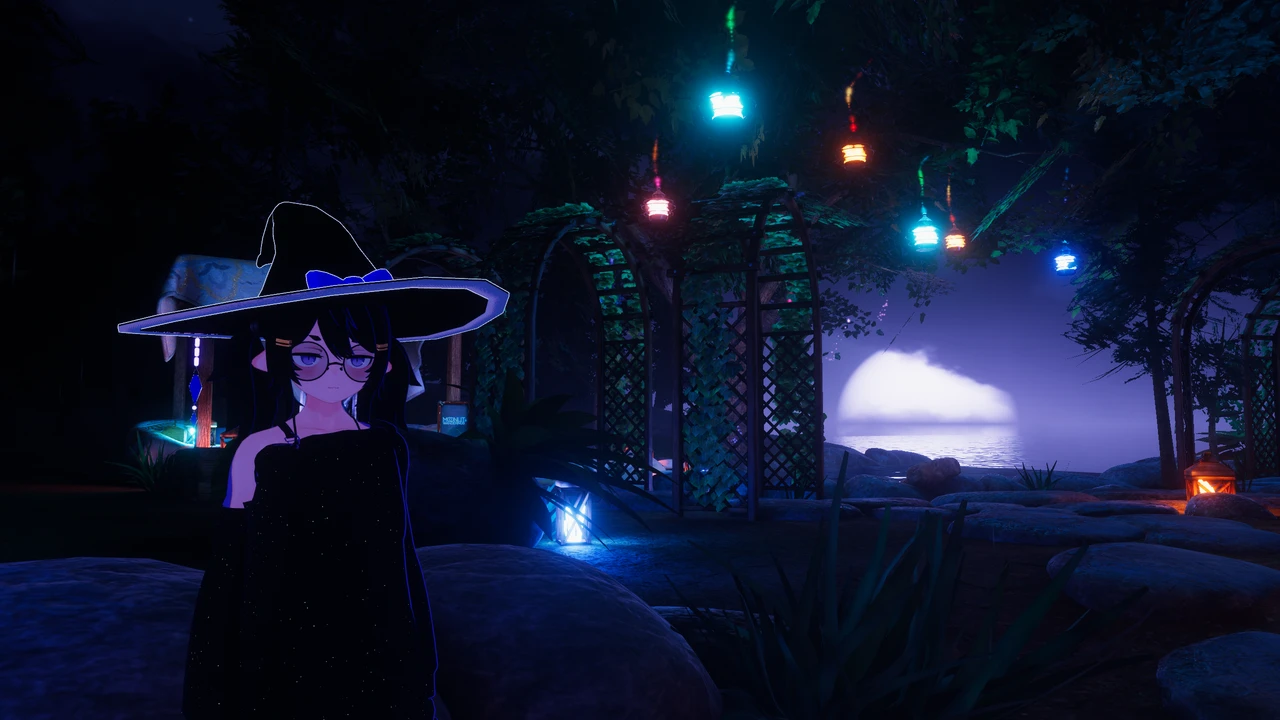
Layman’s Avatar Studio is out. As of today, Early Access is open to everyone, the Free plan is live, and you can download the app and put together a custom VRChat avatar without ever opening Unity.
If you joined the waitlist over the summer, you already have the one email we promised. This post is the longer version: what LAS is, what it can do on launch day, what it costs, and what Early Access means for you.
What Layman’s Avatar Studio is
LAS is a Windows app that works like a character creator for VRChat avatars. You bring the base avatar and the outfits you bought on stores like Booth and Jinxxy, and LAS does the technical setup that normally stands between you and wearing them. Behind the scenes it installs Unity and the VRChat SDK for you, runs them for you, and uploads through your own VRChat account. You never see any of it.
Everything is non-destructive. Your original files are never modified, and every change you make is a step you can undo.
We wrote about the alternatives in every real way to get a VRChat avatar without Unity. The short version: avatar worlds give you someone else’s avatar, preset apps give you a preset, and commissions cost money per change. LAS is the route where the avatar stays yours and the edits stay free.
What you can do on day one
The launch build is 0.6.1. It carries everything the beta builds added over the summer, so here is the tour.
- Wardrobe. Drop in a base and an outfit, tick the outfit, and it is on. LAS handles the wiring, and outfits that need it get an in-game toggle automatically. The outfit guide walks through it. Hair and accessories that ship without any attachment info are attached for you, hair to the head and everything else to the hips, instead of being refused.
- Style. Recolor anything your avatar wears, one part at a time or several parts matched together. See how to change your VRChat avatar’s color.
- Morph and Physics. Adjust body blendshapes and the physics on hair, tails and skirts with sliders.
- Equipped and Abilities. Every outfit part has an eye that sets whether it is showing when you spawn, and hiding a part offers to relax the shrink blendshapes its creator paired with it. The Abilities panel builds in-game toggles for you, and adopts the switches your avatar already shipped with instead of adding duplicates.
- Transform. A new panel that shows your avatar’s skeleton as a tree of plain-language bones. Click a hat in the viewport, press G to move it, S to resize it, R to rotate it, the way Blender does. A ponytail that sits wrong or a head that should be bigger takes seconds. The Transform panel guide covers it.
- Try it. Test the avatar in a real build before you upload, expressions menu included. You can grab hair and tails in the viewport and watch them swing.
- Go Live. Upload to VRChat through the official SDK. Before the build starts, LAS shows your current performance rank and which stats are holding it there. An optimization pass on the uploaded copy merges and trims what it safely can, with a switch and a readout for every step, and the done panel tells you whether the rank moved. Your project is never touched.
- Undo, redo and history. Every change is a named step you can jump back to.
Everything above is in the Free plan. There is no feature gating between plans.
What it costs
The Free plan is a real plan, not a trial. It gives you up to five avatars at a time, the full customizer, and uploads to VRChat, with no account needed.
Pro is $9.99 a month or $99.99 a year and removes the avatar limit. Commercial is $19.99 a month or $199.99 a year and adds a license to deliver avatars you make to other people, which pays for itself in one commission. Prices show in your local currency on the pricing section, and you can start on Free and upgrade whenever you like.
What Early Access means
Early Access means the app is ready to use and still growing. Every base and outfit is put together a little differently, and LAS has been tested against a corpus of real Booth purchases, but yours may be the one that trips something. When it does, we want to hear about it. The Discord server is open to everyone, and the Feedback link in this site’s footer goes straight to us.
LAS updates itself. When a fix ships, you get it at the next launch, and the What’s new page on the docs site lists what each build changed.
What you need
A Windows PC with several gigabytes of free space, a VRChat account that has reached the New User trust rank, and a free Unity account for a one-time sign-in during setup. LAS walks you through all of it. The getting started guide has the details.
Thank you
LAS exists because the Unity grind was keeping people out of avatar culture, and because the Booth ecosystem deserves a tool that treats its buyers as the audience. Every post on this blog, every page of the docs, and the app itself ship in English and Japanese on the same day, and that stays true from here.
Download Layman’s Avatar Studio, make something, and come show us.